Common Jewellery Casting Problems Caused by Bad CAD Design
5 March 2026by
Deepak
| No comments yet
Why CAD Design Is Critical for Jewellery Casting
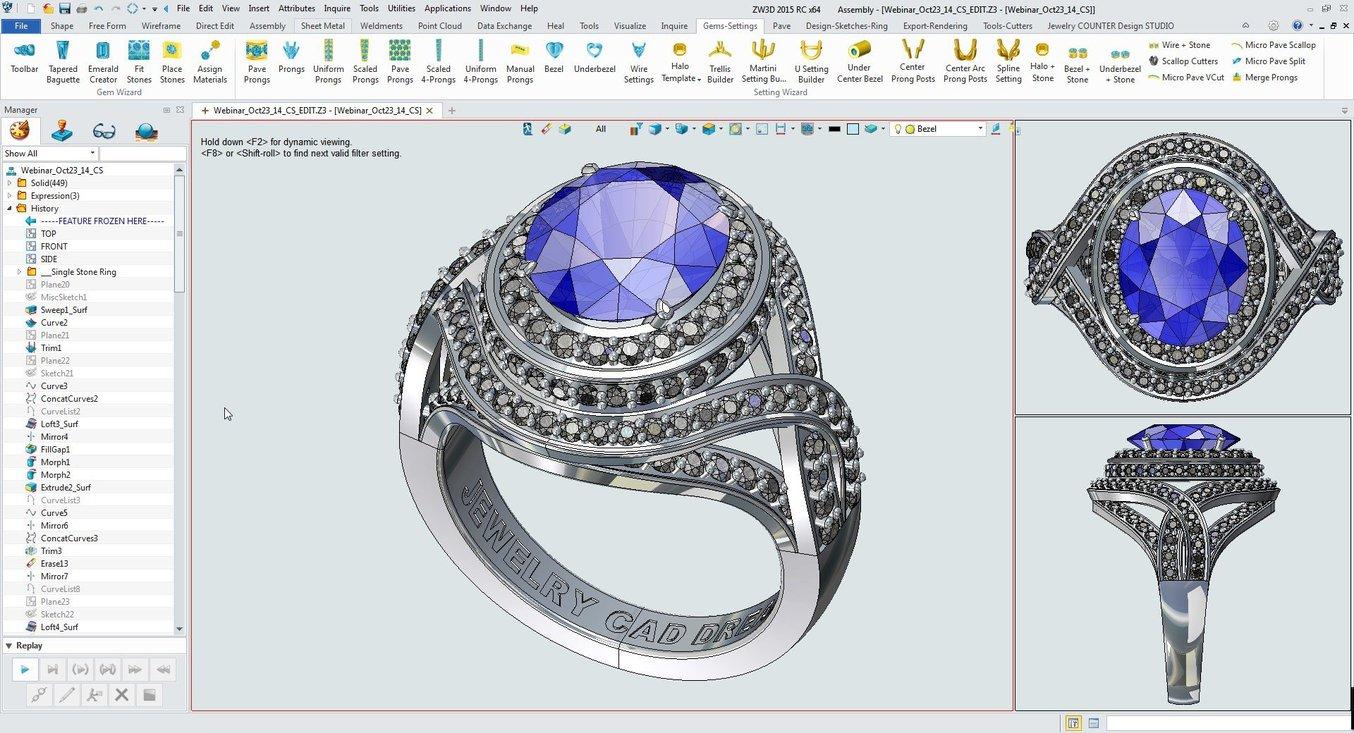
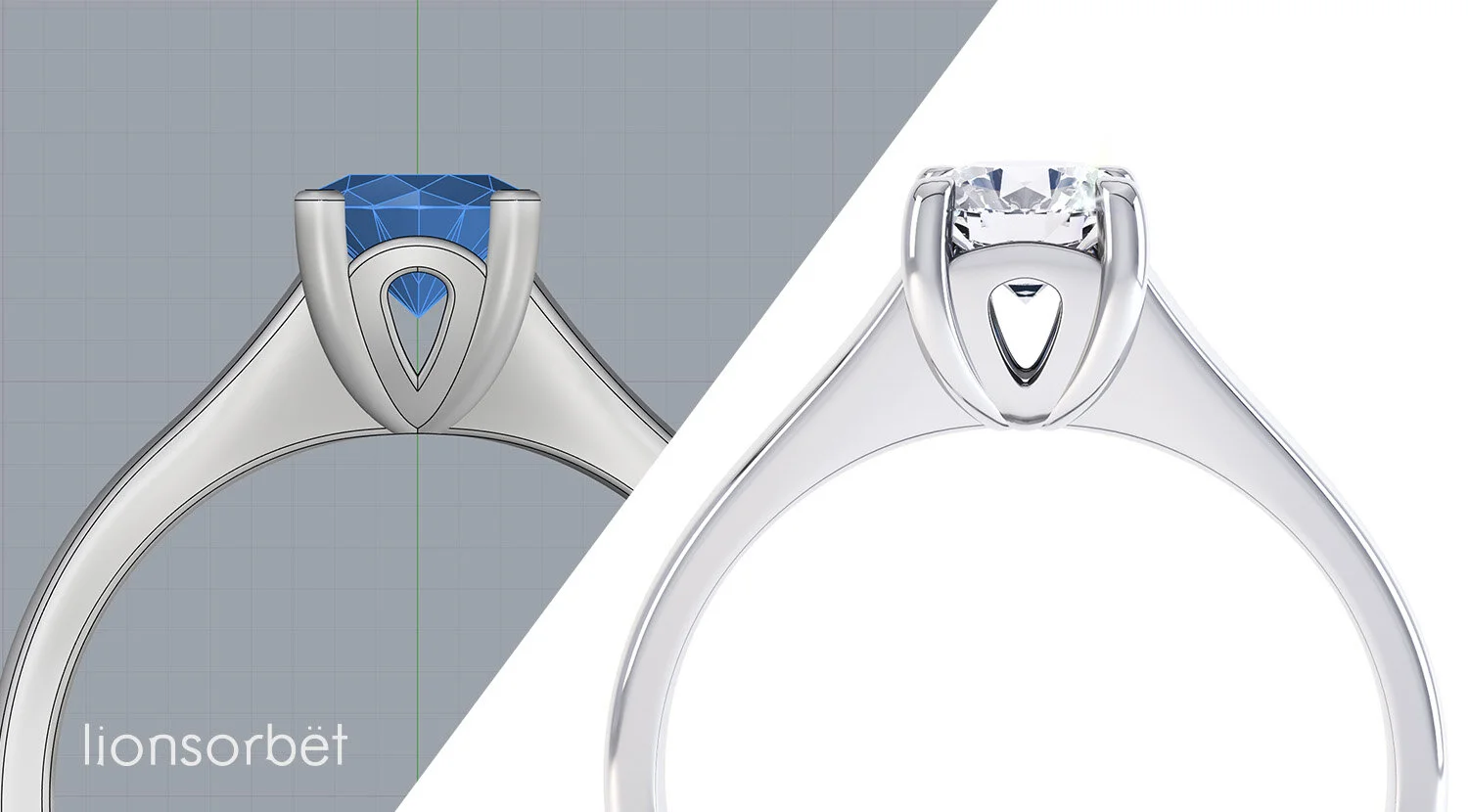
Modern jewellery manufacturing relies heavily on CAD design before any physical production begins. Jewellery pieces are typically created using a process known as lost wax casting, where a wax or resin model generated from a CAD file is used to produce the final metal piece.
Because the casting process depends entirely on the digital model, any mistake in the CAD design can lead to serious manufacturing problems. Even small design flaws can cause incomplete casting, weak structures, or surface defects that ruin the final jewellery piece.
This is why professional jewellery designers spend significant time preparing CAD models specifically for manufacturing. The CAD file must not only look visually appealing but also meet strict structural and geometric requirements.
If you want to explore manufacturing-ready jewellery CAD models you can visit
Before exploring CAD design problems, it is important to understand how jewellery casting works. In the lost wax casting process, a CAD model is first converted into a wax or resin model using a high-resolution 3D printer.
These printed models are attached to a casting tree and surrounded by a special investment material. Once the investment hardens, the wax or resin inside the mold is melted away, leaving a hollow cavity that matches the CAD design.
Molten metal such as gold, silver, or platinum is then poured into this cavity to form the jewellery piece.
Because the mold exactly follows the CAD design, any mistake in the digital model will appear in the final metal piece. This makes accurate CAD modeling extremely important for successful casting.
Problem 1: Metal Thickness That Is Too Thin
One of the most common casting problems caused by poor CAD design is insufficient metal thickness. Jewellery designers sometimes create extremely thin structures to achieve delicate aesthetics, but these thin areas often fail during casting or polishing.
Metal thickness must be carefully controlled to ensure durability. If the metal is too thin, it may not fill properly during casting or may break during finishing.
For most jewellery pieces, the recommended minimum thickness for ring shanks is around 1.8 mm before polishing. Prongs should typically be around 1 mm thick before finishing.
Designers must always consider that polishing removes a small amount of metal. Therefore the CAD model should include slightly thicker dimensions to compensate for finishing processes.
Problem 2: Sharp Internal Corners
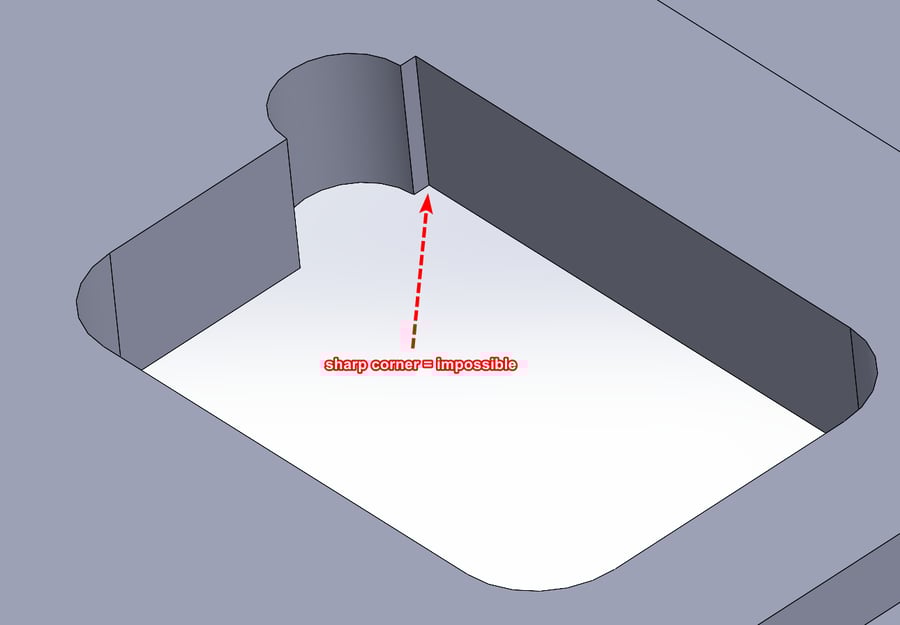
Sharp internal corners are another common issue in jewellery CAD design. While sharp edges may look attractive in digital models, they can create problems during casting.
Molten metal does not flow smoothly into extremely sharp corners. This can cause incomplete filling of the mold and create weak spots in the final jewellery piece.
To avoid this issue, designers should add small fillets or rounded edges wherever possible. Rounded transitions allow metal to flow more smoothly during casting and improve the structural strength of the jewellery.
These small adjustments significantly increase the chances of successful casting.
Problem 3: Poorly Designed Stone Seats
Stone settings must be carefully prepared in CAD to ensure that diamonds or gemstones can be placed correctly during production.
If stone seats are incorrectly designed, setters may struggle to place stones securely. Seats that are too shallow can cause stones to sit too high, while seats that are too deep can hide too much of the gemstone.
Incorrect seat angles can also cause stones to tilt or move during setting.
Professional CAD designers carefully align the seat with the girdle of the gemstone. This ensures that stones fit securely while maintaining their visual brilliance.
Accurate stone seat design improves both manufacturing efficiency and jewellery durability.
Problem 4: Overlapping Geometry and Mesh Errors
Many CAD files contain hidden geometry problems that are not visible during normal viewing. These errors may include overlapping surfaces, open edges, or non-manifold geometry.
Such issues can cause problems during 3D printing or casting preparation. The printer may misinterpret the model geometry, resulting in incomplete or distorted prints.
To avoid these issues, CAD models should always be checked for geometry integrity before exporting the file.
Professional designers run mesh validation tools that detect and repair these errors. Clean geometry ensures that the design can be printed and cast correctly.
Problem 5: Poor Support Structures in the Design
Some jewellery designs contain delicate structures that lack sufficient support. For example, large stones may be held by prongs that are too thin or positioned incorrectly.
During casting or polishing, these unsupported elements may bend or break.
Designers must carefully analyze how forces will affect the jewellery piece during manufacturing and everyday wear. Reinforcing weak areas in the CAD model can prevent structural failures later.
Good design balances aesthetic beauty with practical durability.
Problem 6: Ignoring Metal Shrinkage During Casting
Metal shrinks slightly when it cools after casting. If designers ignore this factor, the final jewellery piece may become slightly smaller than intended.
Different metals have different shrinkage rates. Gold alloys typically shrink around one to two percent during casting.
To compensate for this effect, CAD models may need to be scaled slightly depending on the manufacturing process used by the jeweller.
Accounting for shrinkage ensures that stone settings and ring sizes remain accurate after casting.
Problem 7: Designs That Are Too Complex for Casting
Some CAD designs include extremely intricate details that cannot be reproduced during casting. Very fine textures or thin decorative elements may disappear during polishing.
Designers must consider the limitations of the manufacturing process when creating detailed jewellery.
Features should maintain enough thickness and spacing to survive casting and finishing processes.
Professional CAD designers often simplify certain elements to ensure reliable production.
Checking CAD Files Before Manufacturing
Before sending a design to production, it is important to perform a final inspection of the CAD model. Designers should verify metal thickness, stone placement, and geometry accuracy.
Many CAD programs include analysis tools that highlight weak areas or structural issues. These tools allow designers to correct problems before manufacturing begins.
Taking time to verify the CAD file can prevent expensive mistakes during casting.
You can explore jewellery CAD files designed for manufacturing here
The Role of Professional CAD Designers in Manufacturing
Professional CAD designers play a crucial role in modern jewellery production. Their expertise ensures that designs are both visually appealing and technically feasible.
Experienced designers understand casting limitations, stone setting requirements, and structural engineering principles. This knowledge allows them to create CAD models that translate smoothly into finished jewellery pieces.
For jewellery businesses that want reliable production results, working with professional CAD designers is highly beneficial.
If you are looking for jewellery CAD design services you can visit
Jewellery casting problems often originate from mistakes made during the CAD design stage. Issues such as thin metal structures, sharp corners, poor stone seats, and geometry errors can lead to serious manufacturing failures.
By understanding the relationship between CAD modeling and casting processes, designers can avoid these common problems and create more reliable jewellery designs.
Careful preparation of CAD files ensures smoother manufacturing, reduces production costs, and improves the overall quality of the final jewellery piece.
As digital design technology continues to advance, mastering manufacturing-ready CAD design will remain one of the most important skills for jewellery designers and manufacturers.
 | No comments yet