How to Optimize Jewellery CAD Files for 3D Printing and Manufacturing
5 March 2026by
Deepak
| No comments yet
Why CAD Optimization Is Important for Jewellery 3D Printing
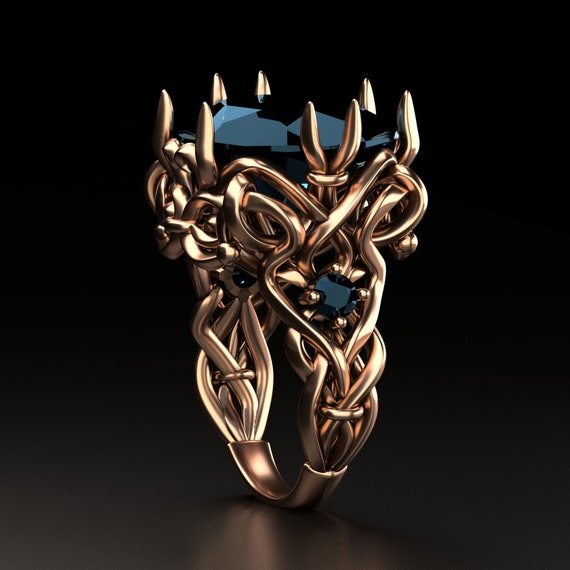
The introduction of high-resolution 3D printers has transformed modern jewellery manufacturing. Today most jewellery pieces begin as digital CAD models that are converted into resin or wax prints before the casting process. These printed models serve as the foundation for producing the final metal jewellery piece.
However, simply creating a beautiful CAD design is not enough. The CAD file must also be optimized specifically for 3D printing. If the model contains structural weaknesses, geometry errors, or incorrect mesh settings, the printing process may fail or produce poor-quality results.
Jewellery designers therefore need to understand how to prepare and optimize CAD files to ensure smooth printing and manufacturing. Proper optimization not only improves print quality but also reduces material waste and production time.
If you want to explore professional jewellery CAD models designed for manufacturing you can visit
Before discussing optimization techniques, it is important to understand the typical workflow used in jewellery 3D printing.
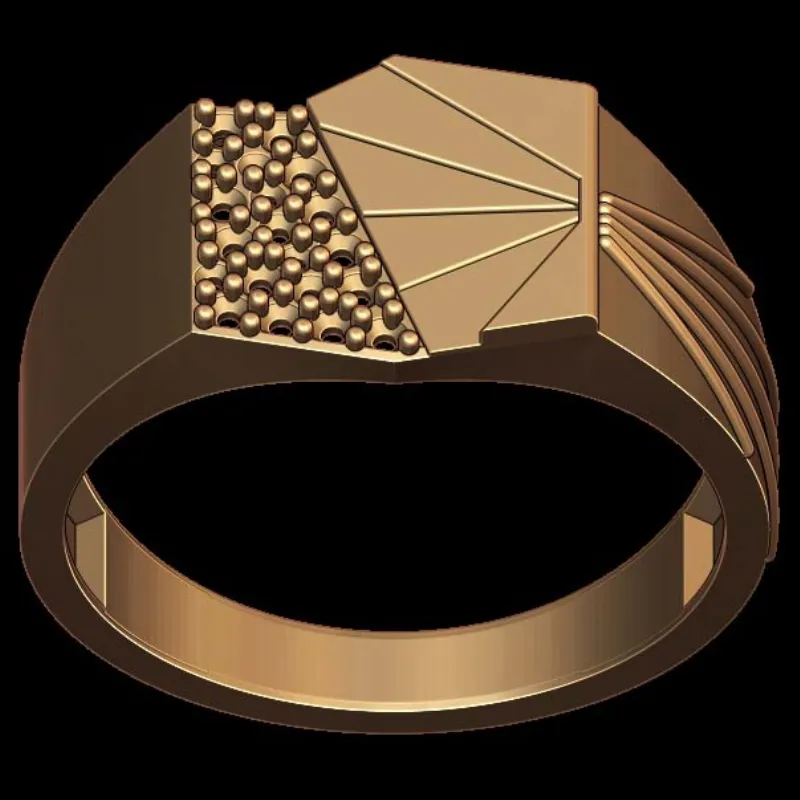
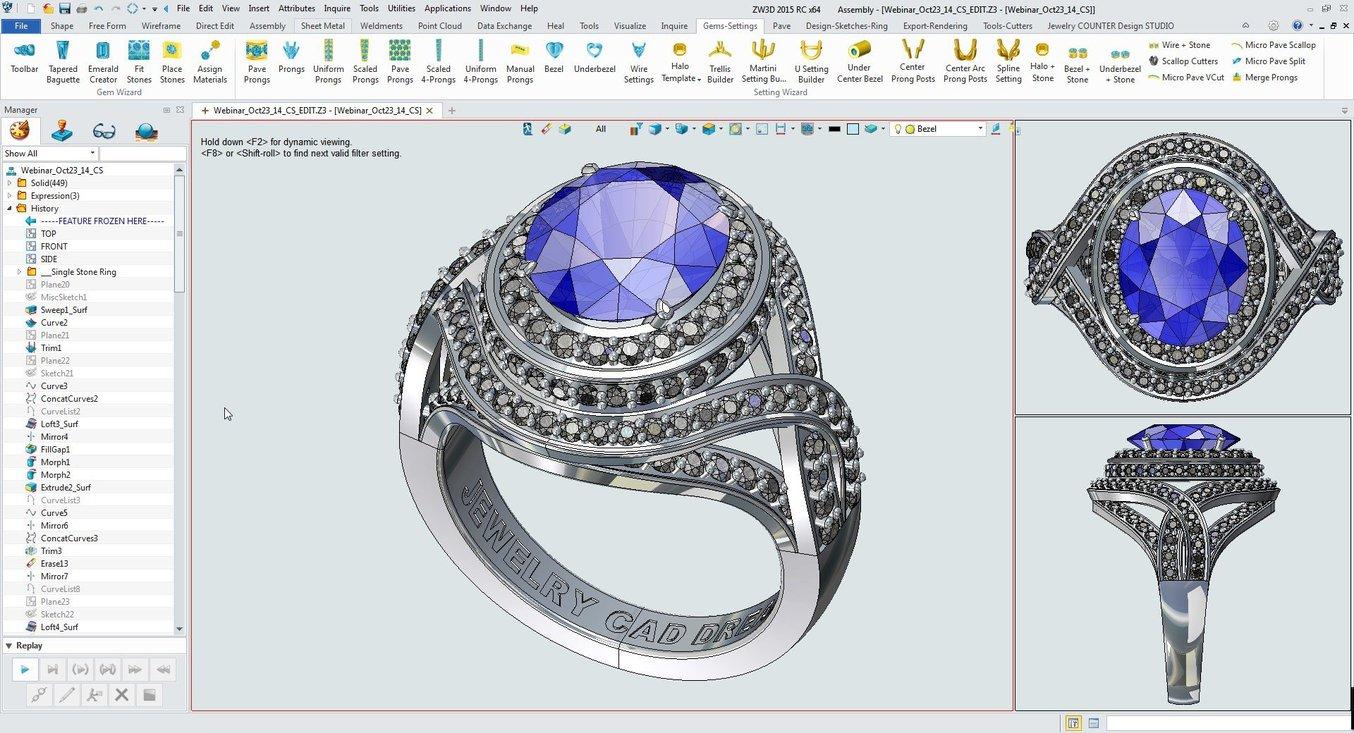
The process begins with a CAD model created using jewellery design software. This model is then exported as an STL file which contains the geometry information required for printing.
The STL file is imported into a printing software where it is prepared with supports and printing parameters. The printer then produces a high-resolution resin model which is later used in the lost wax casting process.
Because the entire manufacturing process depends on the CAD file, any mistakes in the digital model will appear in the printed result.
Optimizing the CAD file ensures that the printing process runs smoothly and produces accurate jewellery prototypes.
Maintaining Proper Wall Thickness in CAD Models
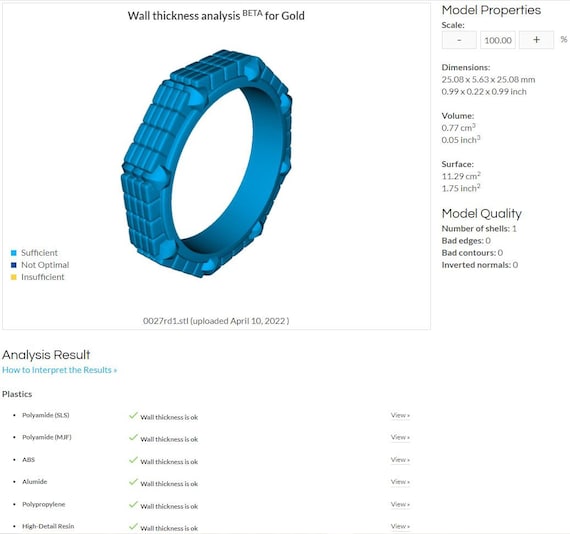
One of the most important aspects of CAD optimization is maintaining proper wall thickness. If the walls of the jewellery design are too thin, the printed model may break during handling or casting.
Different printing technologies require different minimum thickness levels. For most resin printers used in jewellery production, a minimum thickness of around 0.8 mm to 1 mm is recommended for delicate structures.
Ring shanks and structural components often require greater thickness to ensure durability. Designers must also remember that polishing will remove a small amount of metal from the final piece.
Maintaining correct thickness in the CAD stage ensures that the printed model remains strong and stable throughout the manufacturing process.
Cleaning CAD Geometry Before Exporting STL Files
Before exporting a CAD file for 3D printing, designers must ensure that the model geometry is clean and free from errors. Common geometry problems include open surfaces, intersecting objects, and non-manifold edges.
These issues may not always be visible in the CAD viewport, but they can cause serious problems during STL export or printing.
Most CAD software includes analysis tools that detect geometry errors and allow designers to repair them. Running these checks before exporting the STL file helps ensure that the model prints correctly.
Clean geometry is one of the most important requirements for successful jewellery 3D printing.
Optimizing STL Resolution for Jewellery Details
STL files represent CAD models using triangular mesh surfaces. The resolution of this mesh determines how accurately the printed model represents the original CAD design.
If the STL resolution is too low, curved surfaces may appear faceted or rough. This can reduce the visual quality of the final jewellery piece.
On the other hand, extremely high resolution STL files can create unnecessarily large file sizes that slow down printing software.
Designers must find a balance between detail and file size when exporting STL models. High precision settings are generally recommended for jewellery because even small details can affect the appearance of the final product.
Designing Effective Support Structures
Support structures are essential during the 3D printing process. They hold the model in place and prevent deformation while the resin layers are being cured.
When preparing jewellery prints, designers must consider where supports will attach to the model. Support placement should avoid visible surfaces or delicate areas that may be damaged during removal.
Strategic support placement ensures that the printed model maintains its shape and detail throughout the printing process.
Some designers also slightly adjust the orientation of the model to minimize the number of supports required.
Orienting Jewellery Models for Better Printing
Model orientation plays a major role in print quality. The way a jewellery model is positioned on the printing platform affects surface finish and support placement.
For example, rings are often tilted at an angle rather than placed flat on the platform. This orientation helps reduce visible layer lines and improves the smoothness of curved surfaces.
Proper orientation can also reduce the number of supports needed, which makes post-processing easier.
Designers often experiment with different orientations to determine which produces the best results.
Preparing Stone Seats for Printing and Casting
Jewellery designs that include gemstones must have properly prepared stone seats in the CAD model. These seats should be accurately positioned and sized according to the gemstones that will be used.
During the printing process, very small features may become slightly rounded or softened. Designers therefore sometimes adjust stone seats slightly to compensate for this effect.
This ensures that stones will fit correctly during the setting stage after casting.
Precise stone seat preparation is essential for jewellery pieces containing diamonds or other gemstones.
Testing CAD Models with Prototype Prints
Even well-prepared CAD files should be tested through prototype printing before full production begins. Printing a test model allows designers to verify that the design prints correctly and that all details are preserved.
Prototype testing can reveal potential problems such as weak areas, rough surfaces, or difficult support removal.
If issues are discovered, designers can modify the CAD model and run another test print before proceeding with final manufacturing.
This iterative process helps ensure that the final jewellery piece meets quality expectations.
You can explore CAD models suitable for printing here
Large STL files can slow down printing software and increase processing time. Designers should aim to optimize file size while maintaining sufficient detail.
This can be achieved by adjusting mesh resolution settings during export. Removing unnecessary hidden geometry can also reduce file size.
Efficient CAD optimization ensures that printing software operates smoothly without sacrificing model accuracy.
Balancing detail and performance is an important part of preparing jewellery CAD files for production.
Working with Professional Jewellery CAD Services
Many jewellery businesses rely on professional CAD designers to prepare files for 3D printing and manufacturing. These experts understand the technical requirements of printing technologies and casting processes.
Professional CAD services ensure that designs are optimized for production, reducing the risk of errors and production delays.
Working with experienced designers also allows jewellery brands to focus on creativity and marketing while leaving technical preparation to specialists.
If you need professional jewellery CAD design services you can visit
Optimizing jewellery CAD files for 3D printing is an essential step in modern jewellery manufacturing. Proper preparation ensures that designs print successfully and translate smoothly into finished metal pieces.
By maintaining correct wall thickness, cleaning geometry, adjusting STL resolution, and preparing stone seats accurately, designers can significantly improve the reliability of the production process.
3D printing technology continues to evolve rapidly, offering jewellery designers new possibilities for creativity and efficiency. However, success still depends on careful CAD preparation and optimization.
Designers who master these techniques will be better equipped to produce high-quality jewellery designs that meet both aesthetic and manufacturing standards.
 | No comments yet