Diamond Jewellery CAD Design: How to Fix Common Design & Rendering Problems
5 March 2026by
Deepak
| No comments yet
How to Solve Common Diamond Jewellery CAD Design and Rendering Problems:
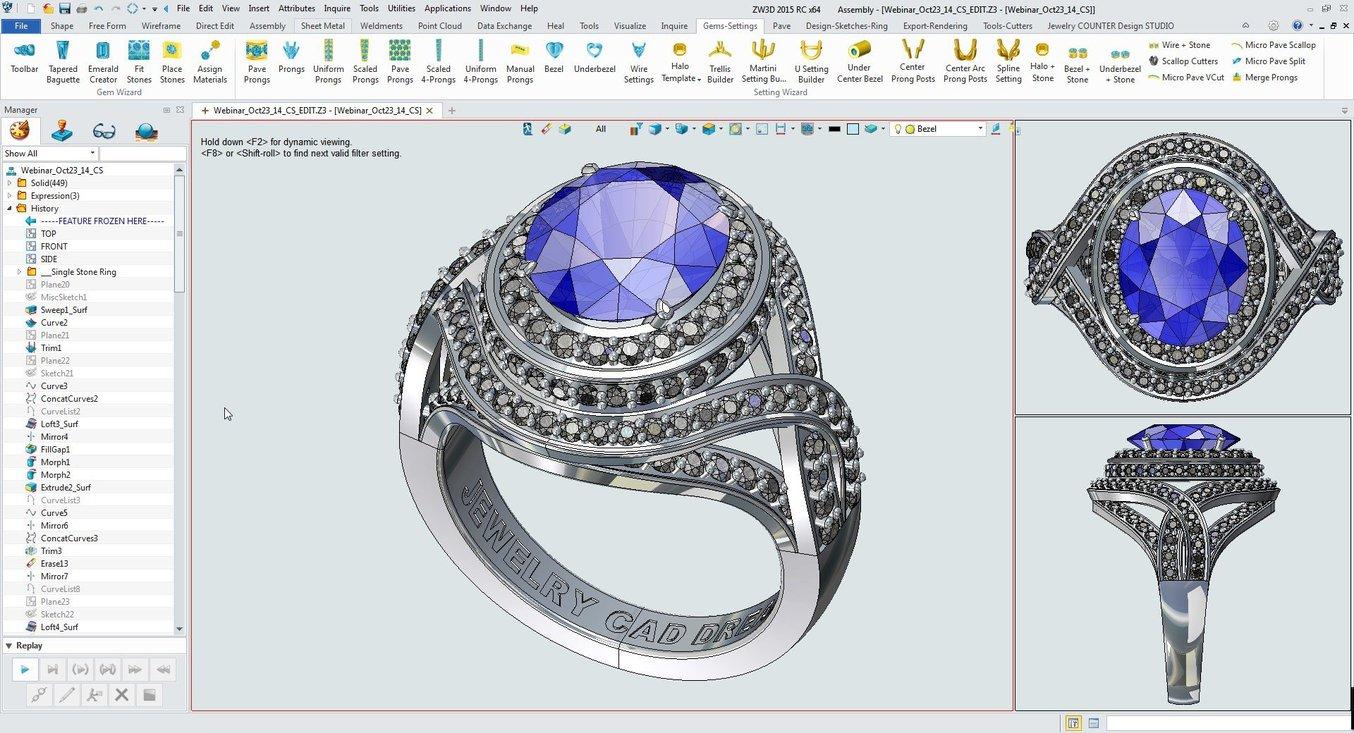
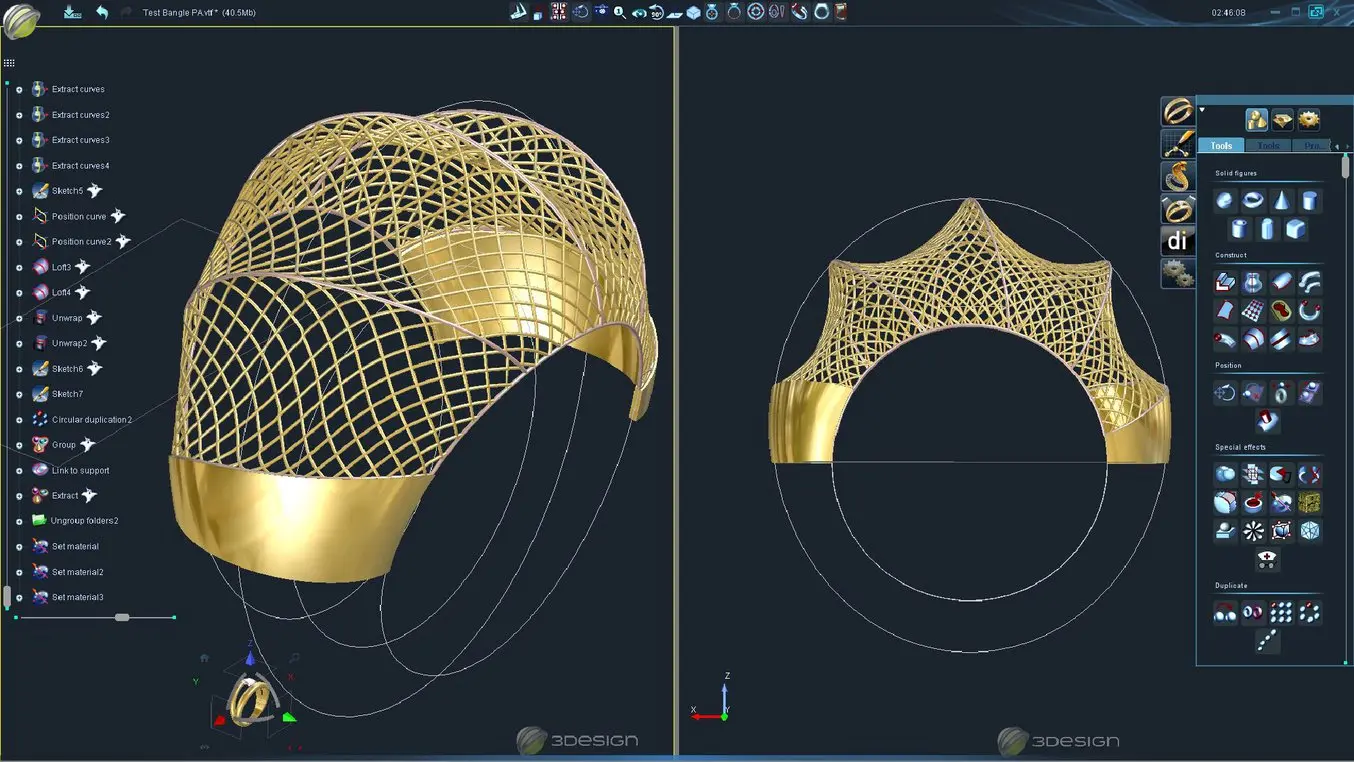
Diamond jewellery CAD design has completely transformed the jewellery industry. Designers can now create extremely precise designs before manufacturing begins. However, many jewellery designers and manufacturers still face several technical issues during CAD modelling, stone setting preparation, rendering, and production.
These problems often result in production errors, unrealistic renders, weak structures, or incorrect stone settings. Fixing these mistakes early in the CAD stage can save both time and manufacturing cost.
In this guide, we will explore the most common diamond jewellery CAD design and rendering issues and explain how to solve them effectively.
For professional jewellery CAD resources and designs you can explore
Understanding the Importance of Accurate Jewellery CAD Design
Jewellery CAD design is not only about creating beautiful models. It also ensures that the design can actually be manufactured without structural issues.
Many beginner CAD designers create visually appealing designs but ignore manufacturing limitations. When these designs go to casting or stone setting, problems start appearing.
Some examples include:
• Prongs too thin to hold stones
• Incorrect stone seat angles
• Weak shanks that break after casting
• Overlapping surfaces causing casting defects
• Incorrect stone spacing
Professional CAD modelling ensures that jewellery pieces are both aesthetically beautiful and structurally strong.
If you want ready-to-use jewellery designs that are manufacturing-ready, you can explore the CAD library here
Problem 1: Incorrect Diamond Seat and Stone Fitting
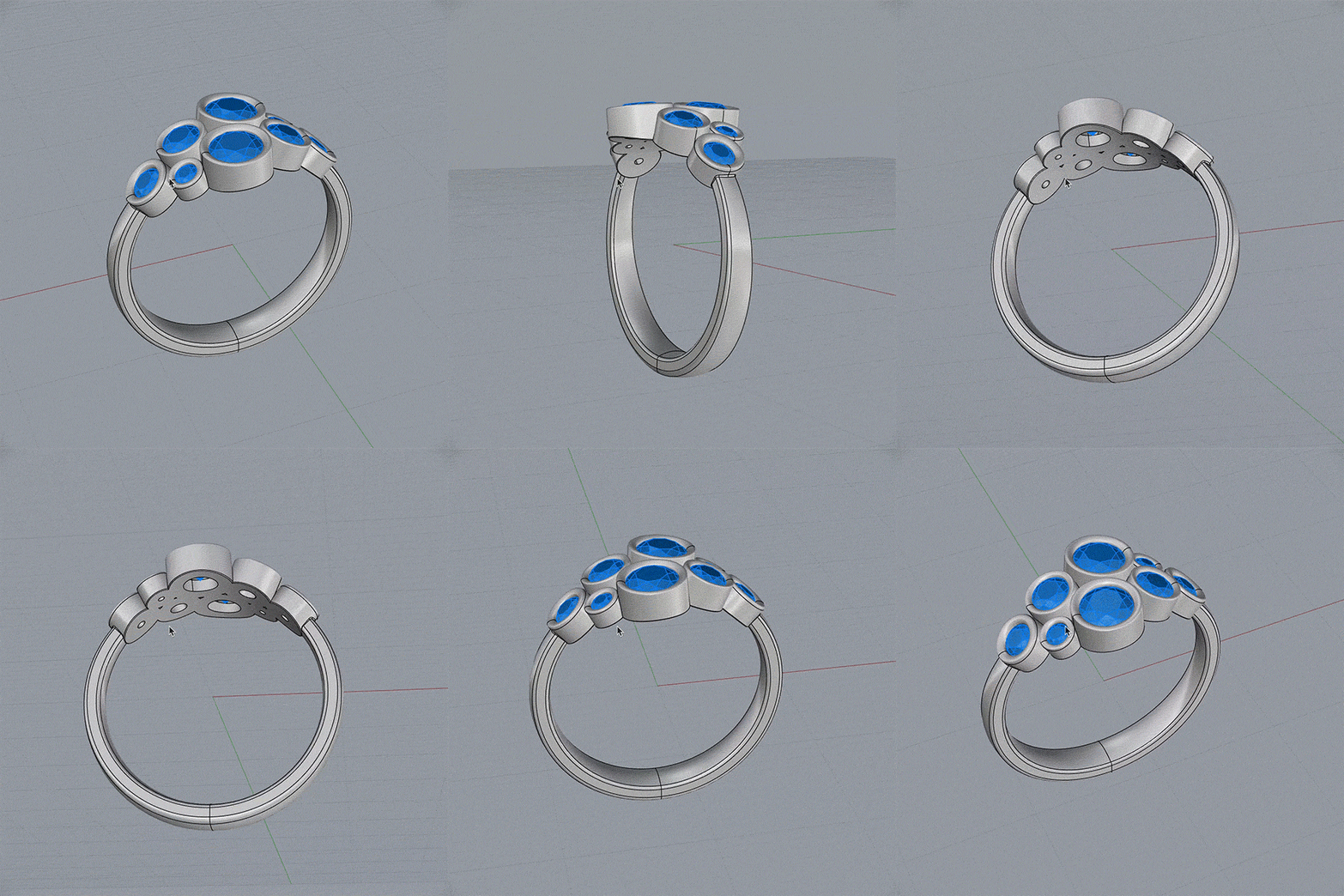
One of the most common problems in diamond jewellery CAD modelling is incorrect stone seating.
This issue usually occurs when the designer does not properly calculate the diamond dimensions or girdle position.
If the seat is too deep or too shallow, setters will struggle to place the diamond properly.
Common problems include:
• Diamond sitting too high
• Prongs not touching the stone girdle
• Diamond falling after setting
• Stone table not aligned
Solution
Always follow the correct diamond proportions.
A proper stone seat should align with:
• Stone girdle
• Pavilion angle
• Table alignment
Designers should also maintain correct tolerance between the stone and the seat.
Many professional CAD designers create parametric stone settings that automatically adjust based on stone size.
Problem 2: Weak Jewellery Structures
Another major CAD design issue is structural weakness.
Designers often focus on appearance but forget about strength.
Common weak areas include:
• Ring shanks
• Prongs
• Pendant loops
• Thin galleries
If these parts are too thin, they may break during casting or polishing.
Minimum Recommended Thickness
Typical jewellery CAD thickness guidelines:
Ring shank
1.8 mm – 2.2 mm minimum
Prongs
0.9 mm – 1.2 mm before polishing
Pendant loops
1.3 mm – 1.5 mm
Following these guidelines ensures durability.
Professional CAD designers always simulate how the piece will behave after polishing and finishing, because polishing can remove up to 0.2 mm of metal.
Problem 3: Poor CAD Topology and Geometry Errors
Bad CAD geometry is a hidden issue that causes major manufacturing failures.
These errors usually happen when designers:
• Use too many Boolean operations
• Combine meshes incorrectly
• Leave open surfaces
Such errors create problems in:
• 3D printing
• Casting preparation
• CAM toolpaths
Solution
Always maintain clean geometry.
Important CAD checks include:
Closed polysurface verification
Non-manifold edge detection
Normal direction correction
Mesh validation before printing
Many professional jewellery manufacturers reject CAD files if these checks fail.
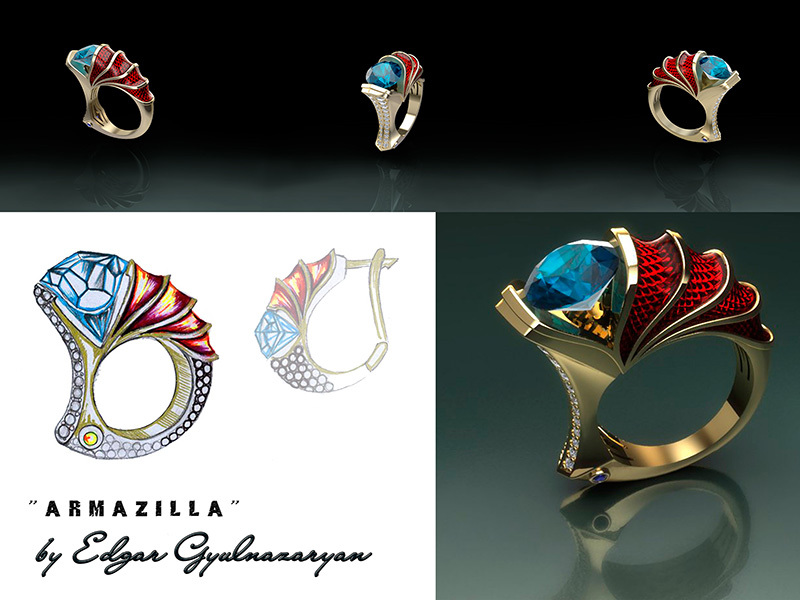
Problem 4: Unrealistic Jewellery Rendering
Rendering plays a crucial role in jewellery marketing and online sales.
However many jewellery renders look unrealistic due to incorrect material settings.
Common mistakes include:
• Incorrect diamond refractive index
• Poor lighting environment
• Overly smooth metal reflections
• Wrong HDRI maps
These mistakes make jewellery appear plastic instead of premium metal.
Rendering Best Practices
To achieve realistic jewellery rendering:
Use physically accurate diamond material
Use HDR studio lighting
Enable ray tracing and caustics
Use micro surface imperfections
High quality renders help customers visualize the jewellery better and increase conversions.
For professional jewellery design services you can visit
Jewellery CAD technology continues to evolve rapidly.
Modern tools now include:
AI-assisted jewellery design
Parametric diamond layouts
Real-time rendering engines
Generative jewellery modelling
These technologies will allow designers to create more complex and customizable jewellery designs faster than ever before.
Companies that adopt advanced CAD workflows will gain a competitive advantage in the jewellery industry.
Final Thoughts
Diamond jewellery CAD design requires more than artistic creativity. It demands a strong understanding of stone setting, manufacturing constraints, structural engineering, and realistic rendering.
By avoiding common CAD design mistakes such as weak structures, incorrect stone seating, geometry errors, and poor rendering, designers can create jewellery that is both beautiful and production-ready.
High quality CAD models not only improve manufacturing success but also enhance marketing through realistic visual presentations.
For jewellery designers, manufacturers, and brands looking to improve their CAD design workflow, investing time in mastering these techniques is essential for long-term success.
You can explore professional jewellery CAD resources and design libraries here
 | No comments yet